Android Robotics Academy
Build Android Apps That Power Real Robots
Learn Android app development, AI integration, robot programming, IoT, cloud computing, and mobile robotics from beginner to professional.
Android apps
Robot control
AI integration
IoT systems
Cloud robotics
Pepe is your academy guide.
Hello, brilliant future AI creator! I’m Pepe, your robot learning guide, and I’m excited to build amazing things with you. Together, we’ll explore how IBM Watson and watsonx can help us understand language, create smart assistants, solve real-world problems, and bring robots to life with powerful artificial intelligence. Get ready to imagine, learn, and build the future one smart idea at a time!
Pepe is ready to teach.
Learning Tracks
Ten pathways take students from first Android screens to advanced AI, IoT, cloud robotics, and professional engineering.
Android Explorer
Meet Android, mobile screens, robot touch interfaces, basic UI controls, and beginner programming ideas.
Android App Builder
Learn project structure, activities, fragments, navigation, XML layouts, and Material Design.
Java Programming
Practice logic, classes, methods, collections, exceptions, and file handling through robot-centered apps.
Kotlin Programming
Build Kotlin-first Android apps with functions, coroutines, flows, null safety, and MVVM thinking.
Android UI Designer
Design polished apps for students and robots with layouts, cards, themes, dark mode, and motion.
Robot Programming
Connect Android apps to robot APIs, sensors, speech, navigation, battery, movement, and safety controls.
Artificial Intelligence on Android
Bring AI features into Android apps for tutoring, vision, translation, speech, and robotics support.
Internet of Things
Link Android apps to sensors, ESP32 devices, Wi-Fi, Bluetooth, MQTT, GPS, and classroom automation.
Cloud Development
Use Firebase-style cloud concepts for authentication, data, notifications, storage, and analytics.
Professional Android Engineer
Finish with advanced architecture, testing, Jetpack Compose, performance, security, accessibility, and publishing.
Robotics Specialization
This academy is robot-centric: students finish by building an Android application that controls a real or simulated robot.
Kids & Robots Certifications
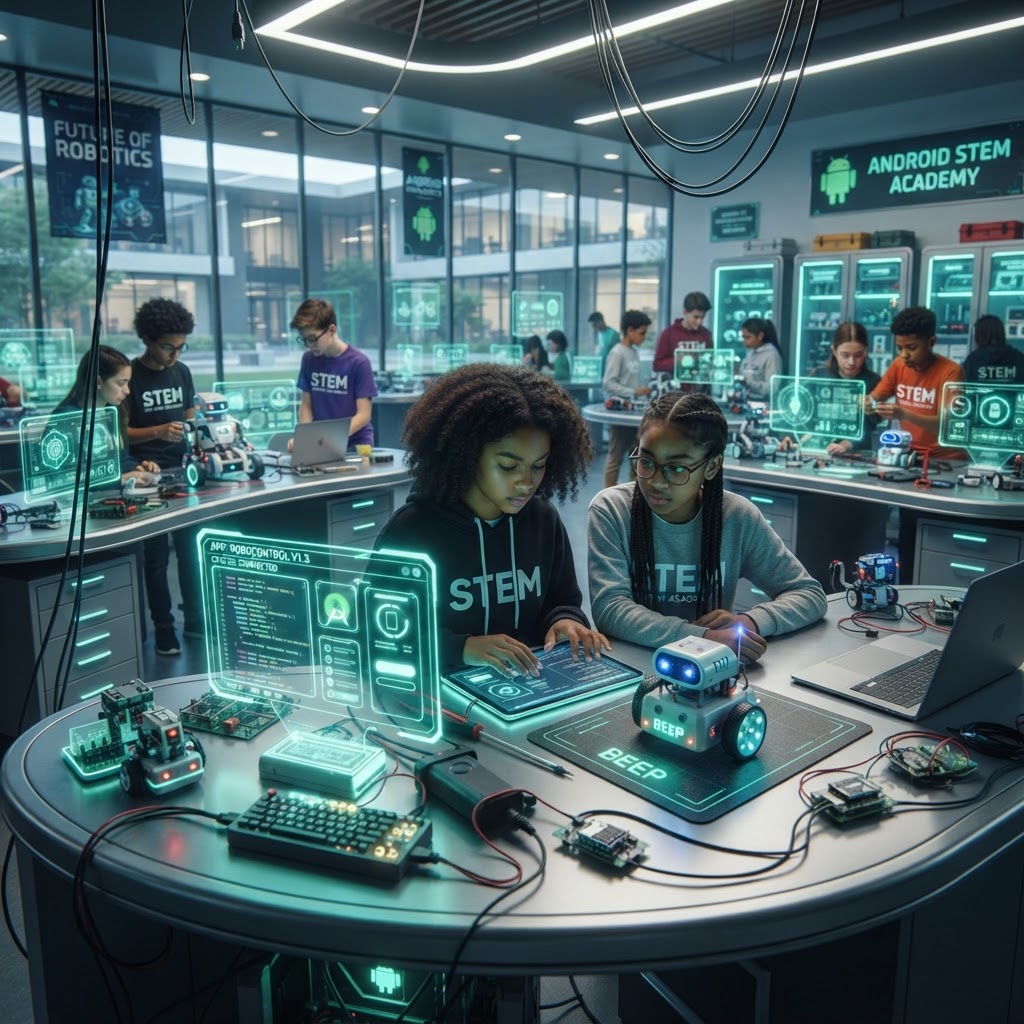
Virtual Android Lab
Students can practice inside safe simulations before they ever connect to a physical robot.
Android Emulator
Interactive practice space for app building, robot control, and real-world scenario testing.
Virtual Phone
Interactive practice space for app building, robot control, and real-world scenario testing.
Virtual Tablet
Interactive practice space for app building, robot control, and real-world scenario testing.
Virtual Robot
Interactive practice space for app building, robot control, and real-world scenario testing.
Virtual Smart Home
Interactive practice space for app building, robot control, and real-world scenario testing.
Virtual Classroom
Interactive practice space for app building, robot control, and real-world scenario testing.
Virtual Airport
Interactive practice space for app building, robot control, and real-world scenario testing.
Virtual Hotel
Interactive practice space for app building, robot control, and real-world scenario testing.
Virtual Hospital
Interactive practice space for app building, robot control, and real-world scenario testing.
Pepe AI Coding Assistant
Every coding screen includes Pepe AI so students can ask why code crashes, request guidance, and learn through explanations instead of blind replacement.
Build Your Own Robot Challenge™
The capstone combines Android app design, AI integration, speech tools, robot control, navigation, sensors, and a live system presentation.
- • Design the Android application
- • Connect it to a supported AI model
- • Add speech recognition and text-to-speech
- • Connect to a real or simulated robot
- • Demonstrate navigation, voice, sensors, and safety
Launch Modules
The academy opens with six complete starter modules so students can begin immediately.
Introduction to Android and Robots
Meet Android devices, robot screens, mobile operating systems, and the role of Android inside smart robots.
Five lesson titles
- • What Android Is
- • History of Android
- • Phones, Tablets, and Robots
- • Android Versions
- • Why Robots Use Android
Android Studio Setup
Learn Android Studio, SDK tools, emulator basics, and the project workspace needed for app building.
Five lesson titles
- • Installing Android Studio
- • SDK Manager
- • Emulator Basics
- • Device Manager
- • Project Folders
Your First Android Interface
Create screens with buttons, images, sound, and touch actions for students and robot users.
Five lesson titles
- • Activities and Screens
- • Buttons and Touch
- • Images and Icons
- • Layout Editor
- • Simple Robot Control UI
Java and Kotlin Foundations
Understand variables, loops, functions, classes, and how Android apps use programming to respond to user actions.
Five lesson titles
- • Variables and Values
- • Methods and Functions
- • Classes and Objects
- • Java vs Kotlin
- • Handling Button Events
Connecting Android to Pepe
Map Android screens to robot voice, movement, battery checks, and safe command flows using simulated APIs first.
Five lesson titles
- • Robot APIs
- • Voice Commands
- • Navigation Buttons
- • Battery and Safety
- • Pepe Control Simulation
Build Your First Robot App
Combine interface design, mobile logic, AI helper ideas, and robot actions into one complete student project.
Five lesson titles
- • Project Planning
- • Connecting UI to Actions
- • Adding AI Guidance
- • Testing the Robot App
- • Final Demo