RobotBlocks AI
Welcome to RobotBlocks AI, the futuristic humanoid robot programming and management portal. This exciting space helps learners, teachers, families, and robotics teams build programs with visual blocks, turn ideas into safe robot workflows, test missions in simulation, manage connected robots and fleets, review safety before deployment, and explore how artificial intelligence brings modern robots to life in a powerful, creative, and child-friendly way.
RobotBlocks AI™ — Drag-and-Drop Humanoid Robot Programming & Management Portal
Program, test, deploy, monitor, and teach with humanoid robots.
Welcome to RobotBlocks AI. Here, anyone can learn to program, test, and manage a humanoid robot. Start with a simple block, build your robot mission, test it safely, and bring your creation to life.
Adapters
13
Compatibility cards ready
Saved programs
0
Reusable robot workflows
Connected robots
0
Managed from one portal
Safety reviews
0
Deployment protection
Futuristic Block Coding Lab Gallery
A visual look at robot programming, simulation, and mission control inside the Block Coding Lab.
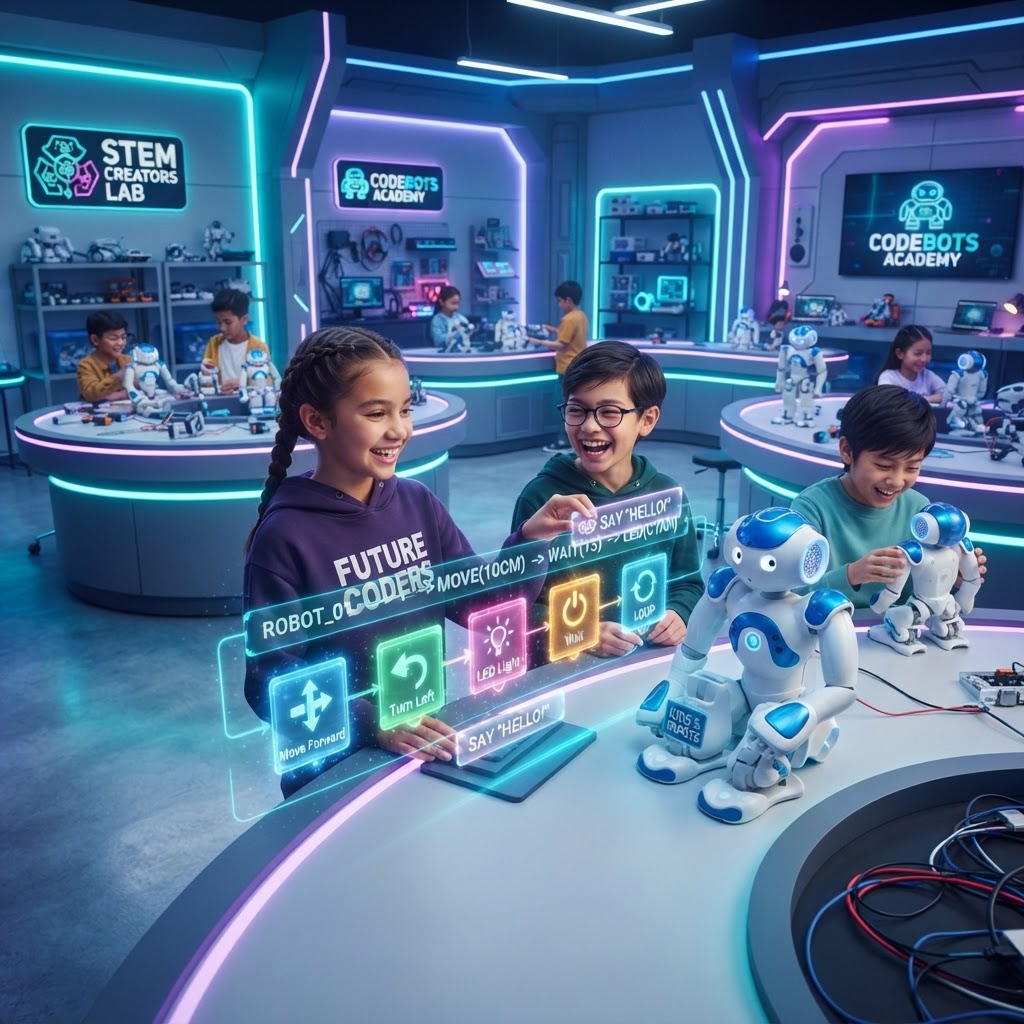
Programming Studio
A futuristic coding lab where learners build robot missions with visual blocks and holographic controls.
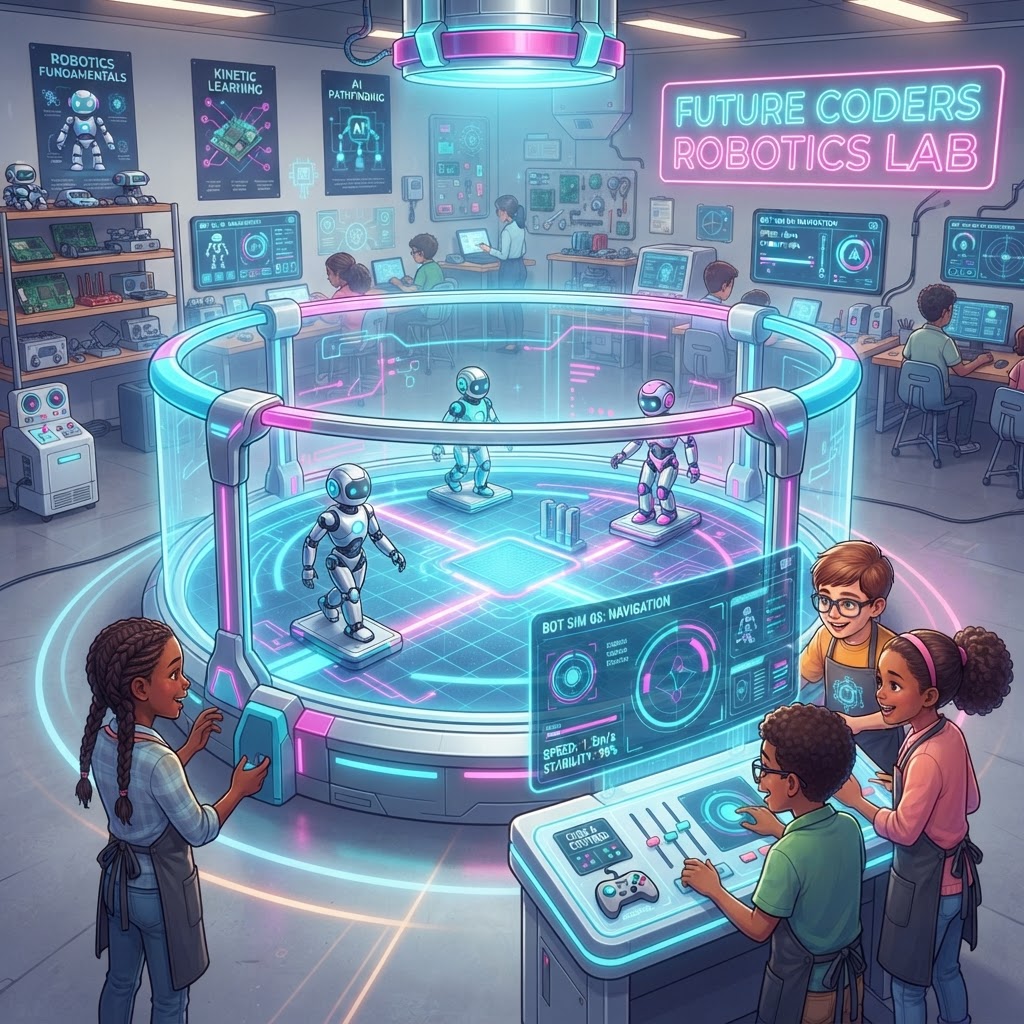
Simulation Chamber
A safe robot testing arena where ideas are simulated before they ever reach a real robot.
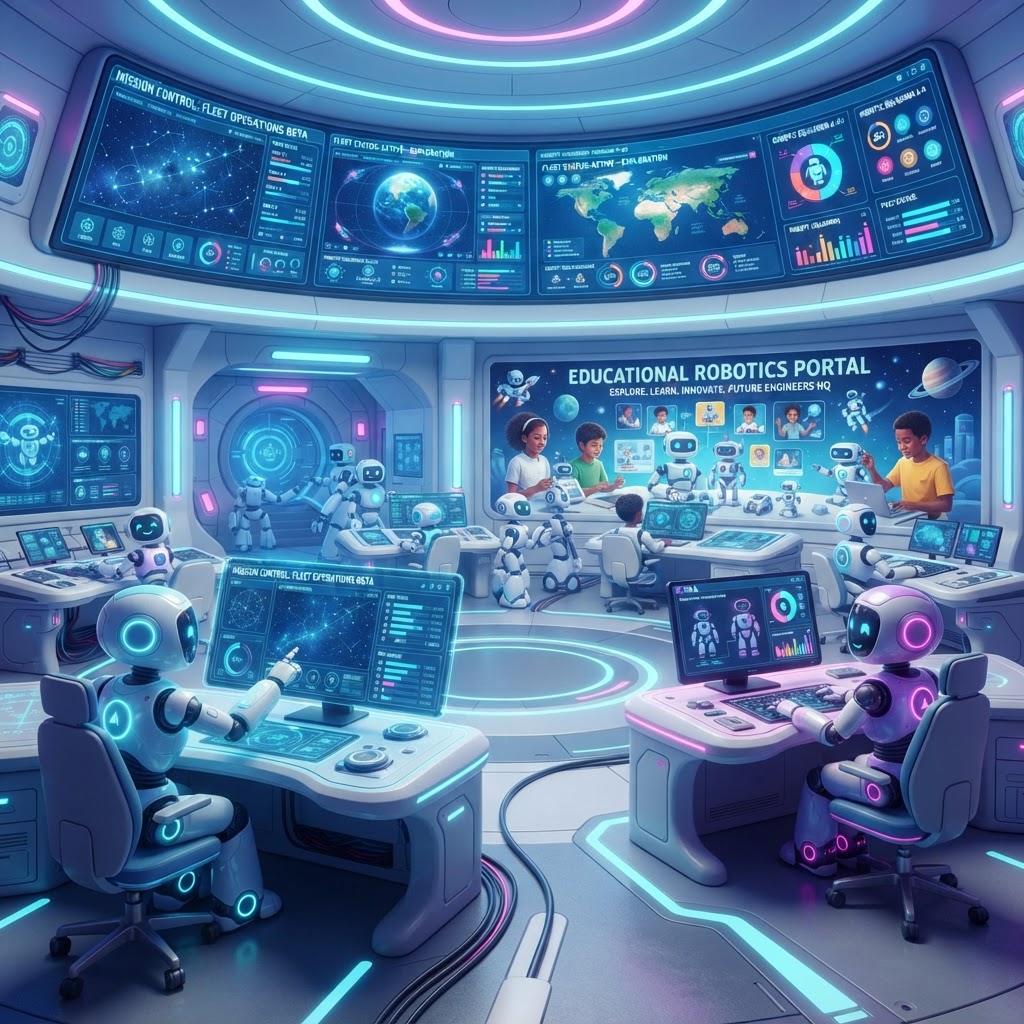
Fleet Command Center
A high-tech control room for monitoring robots, missions, approvals, and connected fleets.
Movement
Walk forward
Move robot ahead safely.
Movement
Walk backward
Step backward.
Movement
Turn left
Rotate left.
Movement
Turn right
Rotate right.
Movement
Stop
Stop all movement.
Movement
Change speed
Adjust robot speed.
Movement
Move arm
Control an arm pose.
Movement
Wave hand
Friendly robot wave.
Movement
Sit down
Move to seated pose.
Movement
Stand up
Move to standing pose.
Speech
Speak text
Robot says a message.
Speech
Ask a question
Prompt a person.
Speech
Listen for response
Capture spoken reply.
Speech
Translate language
Switch speaking language.
Speech
Play audio
Play a clip or cue.
Speech
Make announcement
Broadcast a message.
Vision
Detect person
Find a nearby person.
Vision
Recognize object
Identify an object.
Vision
Read QR code
Scan a QR code.
Vision
Detect obstacle
Check path hazards.
Vision
Follow person
Track a target.
Vision
Recognize gesture
Look for a wave or hand sign.
Sensors
Read distance sensor
Measure nearby space.
Sensors
Monitor temperature
Read system heat.
Sensors
Read battery
Check power.
Sensors
Detect fall
Monitor fall state.
Sensors
Detect collision
Watch for impact.
Artificial Intelligence
Ask AI
Use PEPE or AI reasoning.
Artificial Intelligence
Retrieve knowledge
Read approved knowledge.
Artificial Intelligence
Generate response
Create a reply.
Artificial Intelligence
Teach lesson
Run an educational flow.
Artificial Intelligence
Evaluate response
Score a learner answer.
Artificial Intelligence
Make a decision
Choose an action.
Navigation
Go to saved location
Move to a named location.
Navigation
Save waypoint
Create a waypoint.
Navigation
Patrol route
Follow a route loop.
Navigation
Avoid obstacle
Bypass hazards.
Navigation
Return home
Go back to base.
Navigation
Return to charging station
Dock robot.
Education
Start lesson
Open a lesson.
Education
Greet student
Welcome a learner.
Education
Record attendance
Check in a learner.
Education
Read a story
Tell a story aloud.
Education
Ask quiz question
Prompt a quiz item.
Education
Issue badge
Award an achievement.
Logic
Start
Begin program.
Logic
If
Conditional branch.
Logic
Else
Alternative branch.
Logic
Repeat
Loop steps.
Logic
Wait
Pause briefly.
Logic
Timer
Time-based trigger.
Communication
Send email
Send a notification.
Communication
Send portal notification
Notify staff or family.
Communication
Contact teacher
Message a teacher.
Communication
Call external API
Use an adapter or endpoint.
Communication
Publish MQTT message
Send MQTT data.
Safety
Emergency stop
Stop immediately.
Safety
Reduce speed
Slow robot motion.
Safety
Maintain safe distance
Hold a safe gap.
Safety
Require teacher approval
Pause until approved.
Safety
Enter safe mode
Use protected behavior.
Safety
Return to neutral pose
End in a safe stance.
Step 1 • Logic
Start
Safe action.
Step 2 • Education
Greet student
Friendly intro only.
Step 3 • Speech
Speak text
Use approved language.
Step 4 • Speech
Ask a question
Wait for consent.
Step 5 • Speech
Listen for response
Microphone permission required.
Step 6 • Navigation
Go to saved location
Map must be verified.
Step 7 • Communication
Send portal notification
Keep alerts clear.
Step 8 • Navigation
Return home
Safe path required.
Step 9 • Safety
Return to neutral pose
Recommended end step.
Unitree G1
Available
Unitree H1
Beta
PEPE Robot
Available
Generic Linux Robot
Developer Integration Required
Generic Android Robot
Available
ROS Robot
Available
PEPE can turn natural language into a safe starter workflow.
Run simulation before deployment • Keep emergency stop in physical missions